A Handful of Overlooked Basics, Not a Total Overhaul, Are Usually the Culprit
The biggest, fastest wins for your SEO usually come from fixing basics that tend to drift over time: broken links, missing meta descriptions, outdated content, and contact information that no longer matches across your website and directories. Websites change, pages get added and removed, and details shift, so it’s normal for small things to need a check-in every so often. None of these fixes requires a big budget, and it’s exactly the kind of ongoing check a partner like Vivid Image can help you stay on top of.
Why These Basics Matter So Much
Search engines like Google reward sites that are easy to crawl, accurate, and genuinely useful to the people reading them. When you have broken links, missing redirects, or thin content that doesn’t fully answer a visitor’s question, it signals to search engines that your site isn’t worth prioritizing. The good news is that most of these issues are simple to spot and fix once you know where to look.
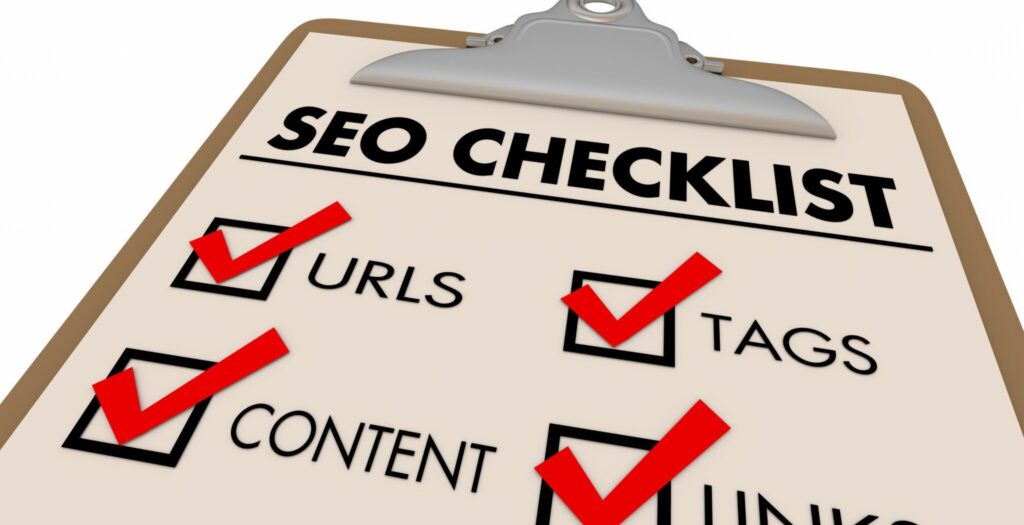
Start with these, in roughly this order:
1. Make sure search engines are actually allowed to crawl your site. This is usually a single setting in WordPress under Settings, then
2. Reading, so it takes seconds to check, but if it’s switched off by accident your site can disappear from search results entirely.
3. Check for broken links and fix any you find.
4. If you delete or unpublish a page, put a redirect in place so you don’t create a 404 error.
5. Fix any existing 404 errors with proper 301 redirects.
6. Confirm every page has a meta title and description, with your focus keyword included in the title tag.
7. Add alt text to every image.
8. Make regular updates to your site, whether that’s new products, blog posts, or event listings.
9. Review your main page content to be sure it’s current and genuinely useful, not just present.
10. Confirm your page content actually includes the keyword you’re trying to rank for.
11. Build internal links between related pages, like linking your About page to a product it mentions.
12. Run your homepage through a free tool like Google PageSpeed Insights and fix anything obvious, like an oversized image.
13. Pull your site up on your phone and click through a few pages to check it looks and works fine.
14. Make sure each page answers its main question in the first sentence or two.
15. Ask a few recent customers for a review, since fresh reviews now factor into local rankings too.
16. Check that your most important pages each cover one clear topic, not three services at once.
Yes, and they’re easy to overlook. Submit your sitemap to Google Search Console and Bing Webmaster Tools if you haven’t already, and check Search Console regularly for errors it flags. Also confirm your Google Business Profile listing is current, and that your phone number, address, and hours match exactly across your website, your listing, and any other directories or social profiles. Small mismatches in contact information can quietly hurt your local search visibility, and it’s exactly what our Online Listings service is built to catch and keep consistent for you.
Some SEO work matters just as much as the basics above, but takes more time, technical access, or ongoing attention than most business owners have room for. Site speed fixes that go beyond a single oversized image, structured data (also called schema markup) that helps search engines and AI tools understand your content, and technical crawl errors buried in Google Search Console all fall into this category. Fixing these usually means digging into your website’s code or hosting setup, not just updating a page.
Keyword strategy and competitor research also tend to fall here. Knowing what your customers are actually searching for, and how you stack up against competitors ranking above you, takes research most business owners don’t have time to do well on top of running the business. This is exactly the kind of thing worth handing to a partner rather than tackling solo.
None of this requires a complete website overhaul. It just takes consistent attention, treating SEO as something you circle back to regularly rather than a one-time fix. If you’d rather not comb through this list yourself, ask for help. We can take a look and tell you exactly what’s worth fixing first. If you need help with any of these or want to take your SEO to the next level, contact us today or call (320) 587-8974.