Let Your Work Take the Spotlight
Videos that show your face, or your team’s faces, are what typically perform the best on social media. People enjoy seeing the real people behind a business, and a familiar face builds trust quickly. However, not everyone is comfortable being on camera, and that’s okay. You don’t have to be on camera to make short-form video work for your business. There are plenty of effective video ideas that don’t require your face, like showing your hands at work, a process from start to finish, a before-and-after, or a voiceover with footage of your business in action. Your products, your process, and your team’s expertise can carry the video when you’d rather stay behind the camera. What matters most is that the video is useful, clear, and true to your business, not whose face is on the screen.
Why So Many Business Owners Avoid Video
Not everyone is comfortable being on camera, and that’s completely okay. There could be a number of reasons for why you don’t enjoy being on camera like worrying about stumbling over your words or maybe it’s as simple as you’re more comfortable running the business than being the face of it. Whatever the reason, it can keep video from ever getting started. While faces may get the most attention, they aren’t the only thing that works. Video isn’t solely about the person holding the phone. It’s really about showing your audience what you do, how you do it, and why it matters. The video ideas below show how that can happen without you ever stepping in front of the lens.
8 Video Ideas That Don’t Require Showing Your Face
1. Hands at Work
Instead of filming your face, make your hands the star of the show. Film the work being done from a hands only POV. That could be plating a dish, welding a trailer frame, or tightening hardware on a playground structure. Close-up shots let customers see the care and precision that go into your work.
2. Before and After
Show the starting point, then the finished result, like an empty lot turned into a finished building, a dated kitchen after a remodel, a field at planting and again at harvest, or nail art transformation. These videos prove your results in seconds without any narration. Take both shots from the same spot and angle so the difference is easy to see.
3. Start-to-Finish Process
Show how something gets done and speed it up so the video is under a minute long. That might be a timelapse of an installation or short clips of each step as a product is manufactured, a field is harvested, a truck is loaded with equipment, or a dish goes from prep to plate. Most people have never seen these things happen. What seems ordinary to you is often fascinating to your customers.
4. Voiceover With Footage
Record your voice explaining something while the video shows your business in action. Your voice builds trust and personality without you having to appear on screen. You can record the audio separately, which allows you to redo it as many times as you need until it sounds right.
5. Text-on-Screen Tips
Answer a question that your customers often ask with text over simple footage. For example: “Documents to gather before tax season” over clips of your team at work. No talking required. The questions your team answers every week make great video topics. Keep the text short and leave it on screen long enough to read.
6. Walkthroughs and Tours
Hold the phone and walk your audience through a space like they’re there: a house tour, around new landscaping, through a completed playground, inside your restaurant, around your showroom, or through your facility. It’ll feel as if they were there and give them a view into your space without being physically there. Move slowly and pause on each detail you want people to notice. Walkthroughs help new customers feel familiar with your business before their first visit or they even call.
7. Screen Recordings
8. Let Someone Else Be the Face
Tips to Make Faceless Videos Work
Still Lead With a Hook
Without a face to grab attention, the hook becomes even more important. Start with the most interesting moment, like a finished results, a dramatic before shot, or a question in bold text.
Stick to One Idea Per Video
A video that shows one clear process or answers one question will perform better than one that tries to cover everything. Save your video ideas for future posts.
Add Captions or Text
Many people scroll with the sound off. Text or captions help them follow along, especially in videos without someone speaking on screen.
Shoot in Good Light and Keep the Phone Steady
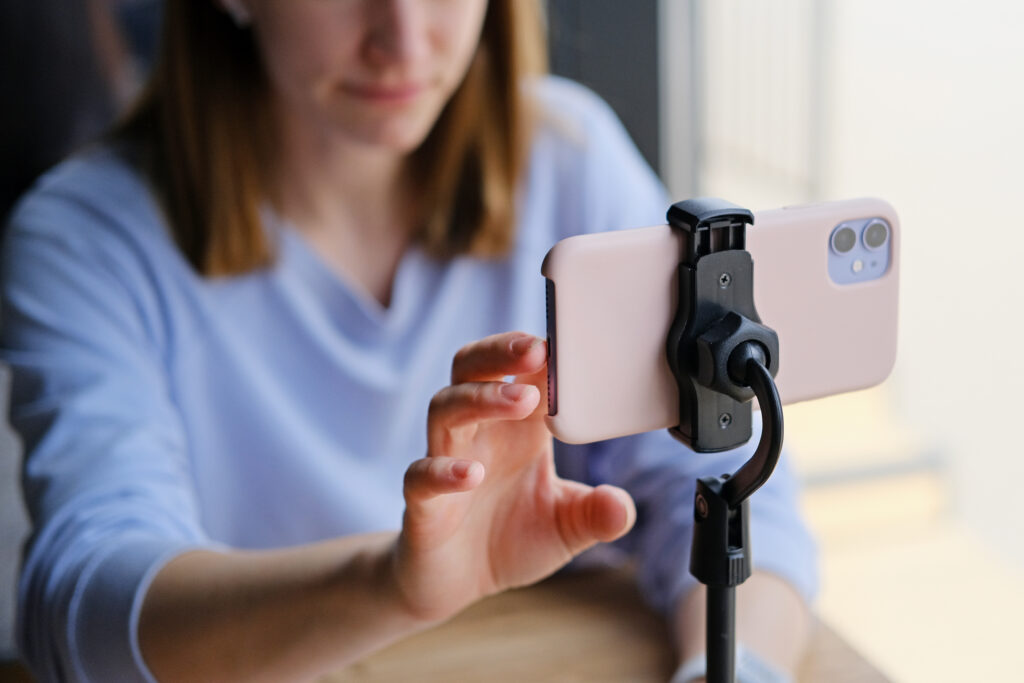
Good lighting and steady footage help your video look more professional. Natural light near a window or outside makes a big difference. Resting your phone on a stable surface or using an inexpensive tripod keeps your footage from looking shaky and gives it a more polished look.
Be Careful With Music
It’s tempting to fill a faceless video with a trending song, but not every track is cleared for business use. Our blog post on using trending music in business videos explains what music is safe to use for your business. You can also skip the music entirely. A clear voiceover or the organic sounds of the job can work just as well.
Ask Before Filming Customers or Employees
If other people appear in your footage, make sure they’re okay with it. This is especially important in privacy-sensitive settings such as healthcare, schools, and daycares.
Is Faceless Video as Effective?
Faceless video can be effective. They’re great for showing skill, results, and process, and for building real credibility for your business. That said, people connect with people, so a little human presence helps. A voice, a pair of hands, or a glimpse of your team adds warmth without anyone having to be the star. Many business owners find that once they start with faceless video, being on camera starts to feel less intimidating. If it never does for you, that’s okay too. The goal isn’t to become an influencer, it’s to show people why they should choose your business.
Short-form video doesn’t have to mean putting yourself in the spotlight. If you’d like help coming up with video ideas and planning videos that fit your business, your comfort level, and the platforms your customers use, talk with our team at Vivid Image.